Sydney Smart Web
AFTER HOURS · WEEKENDS · URGENT ENQUIRIES

Closed for the night. Open for the next enquiry.

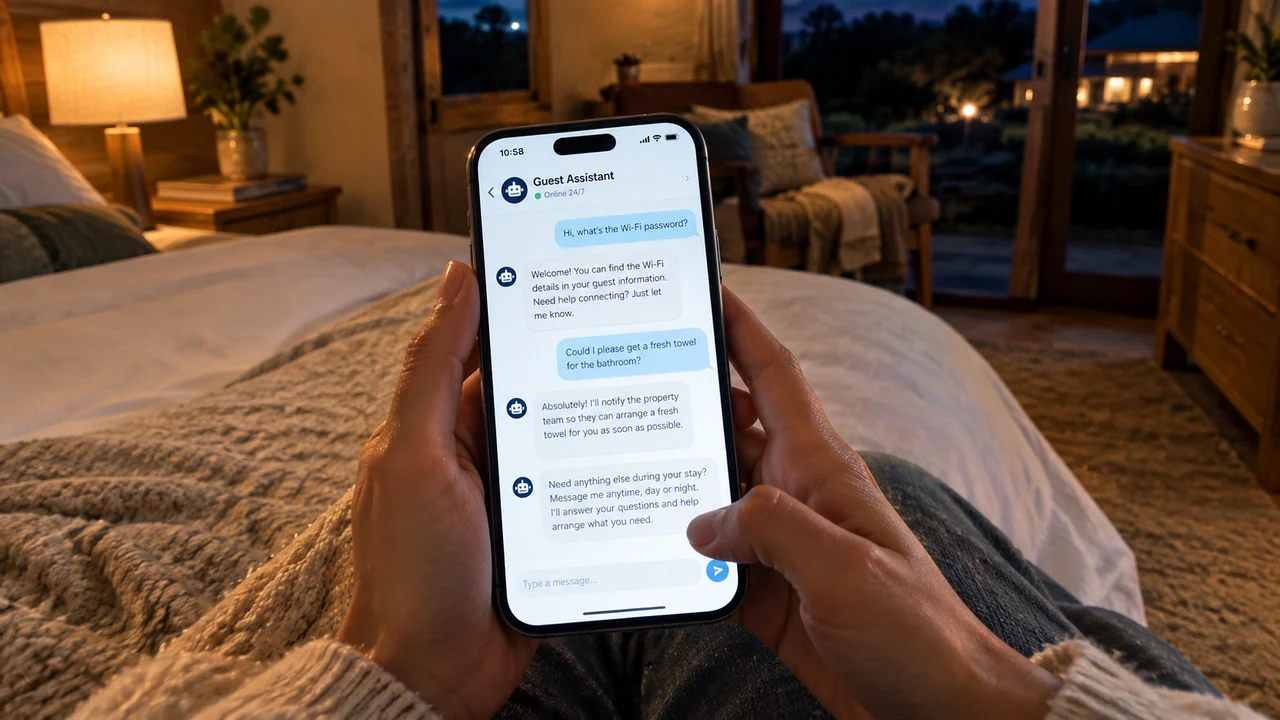
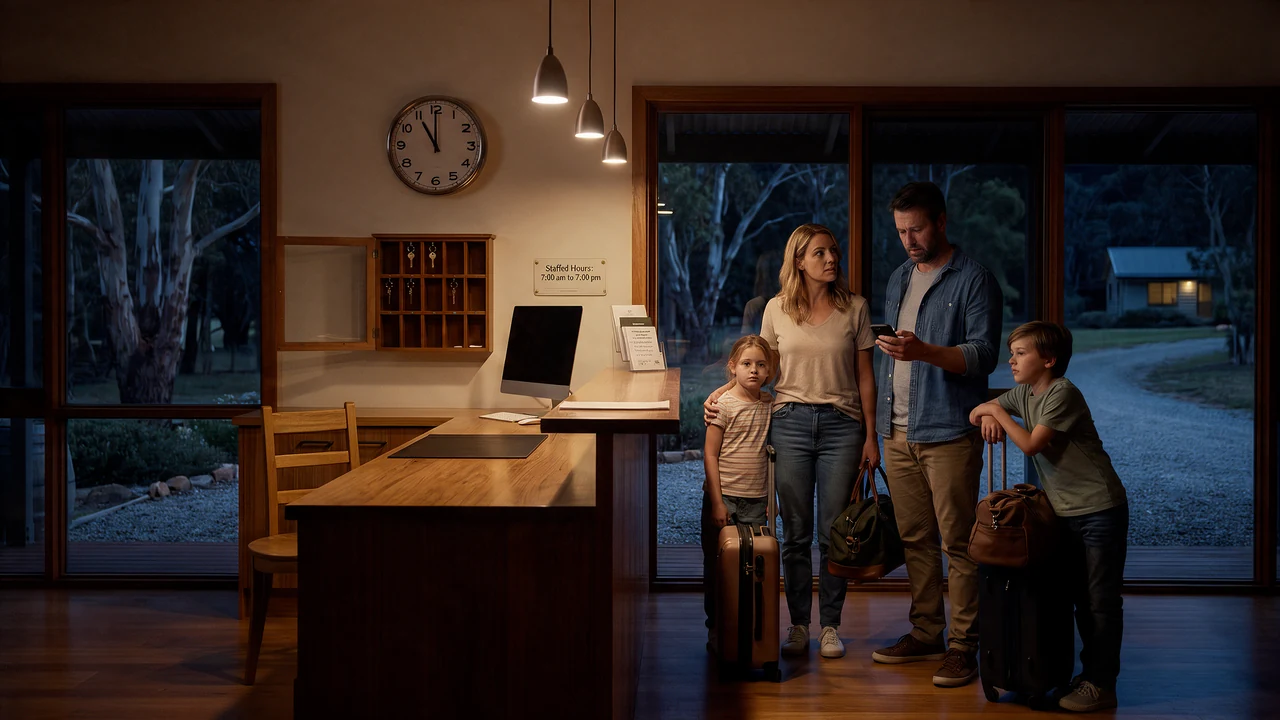
Customers don’t always enquire during business hours. Our AI Voice Receptionist answers questions, captures requests and books available morning appointments through your connected calendar—even late at night. Urgent calls follow your configured on-call routing and escalation rules.

Explore the service · live actions need configured connections
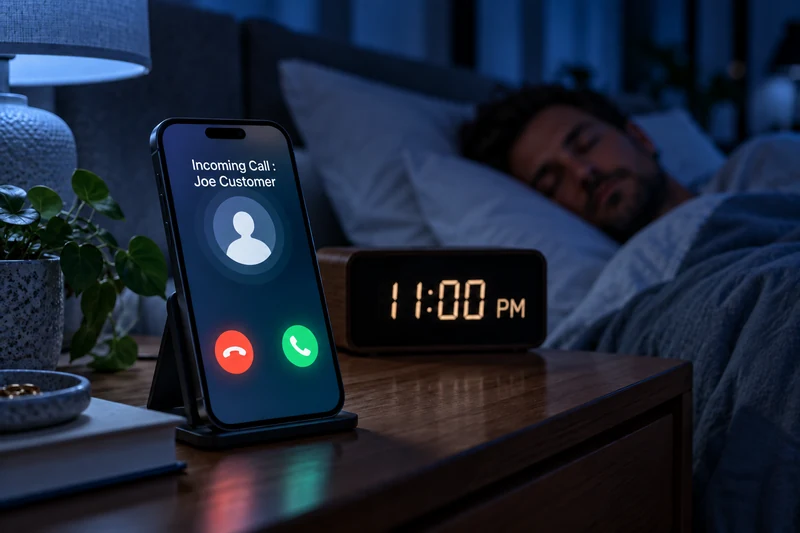
An incoming call from Joe Customer on a sharply focused phone beside an 11:00 PM clock, with a man sleeping in the blurred background under dim blue light.
EXAMPLE CONNECTED WORKFLOW11:00 PM · A customer needs tomorrow’s service
Question answeredMorning booking confirmedUrgent enquiry → on-call team
Booking confirmation and urgent routing require tested connections.


ONE CONVERSATION · SUPPORTED LANGUAGE SWITCHING

An AI voice agent that speaks your language.

Let customers explain what they need in a language they’re comfortable speaking. Our AI voice agent answers in supported languages and follows language changes within the same conversation—helping more people ask questions, explore services and take the next step.

Explore the service · live actions need configured connections

An older woman wearing glasses smiling while speaking into her smartphone in a welcoming local service reception.
ILLUSTRATIVE CONVERSATION Listening in Mandarin

我想预约明天的服务。

“I’d like to book a service for tomorrow.”

Supported languages can change within the same live conversation.
KEEP WORKING · KEEP THE ENQUIRY

Hands full. Phone ringing.

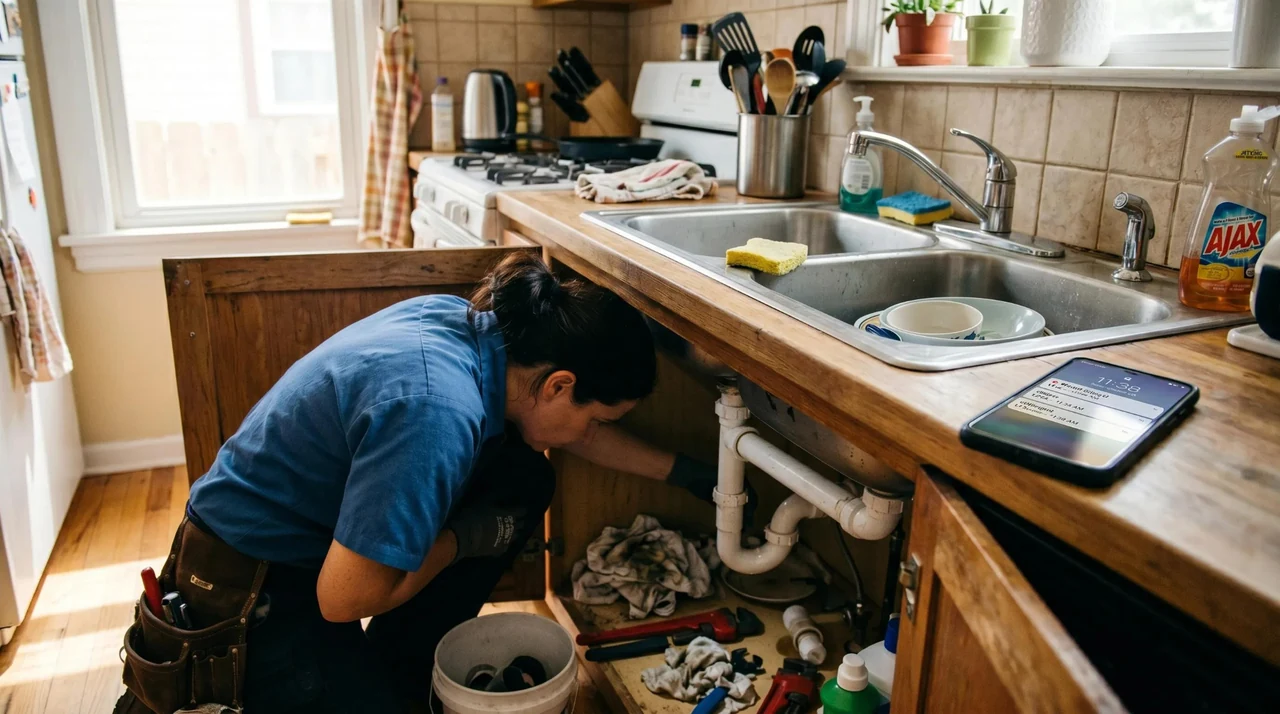
When you’re under the sink, the next enquiry shouldn’t interrupt the job. Our AI Voice Receptionist captures the details, sends your configured SMS acknowledgement and passes the enquiry into your connected lead system—while you keep working.

Explore the service · live actions need configured connections

A plumber working beneath a sink with both hands occupied while an incoming call lights up a phone on the floor.
EXAMPLE CONFIGURED FLOWEnquiry captured → SMS acknowledgement → lead recordBusiness actions activate after the relevant integrations are tested.
FOCUS ON YOUR CLIENT · CONNECT THE NEXT BOOKING

A client in the chair. A caller waiting.

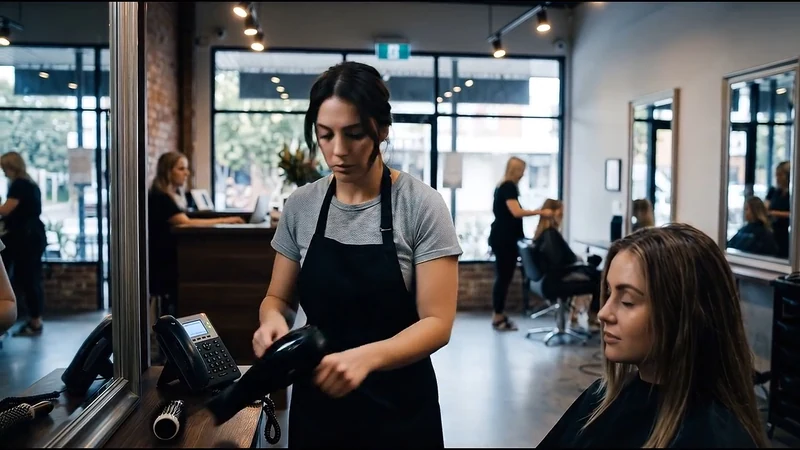
Give the client in front of you your full attention. Our Smart Website and AI Agent handle questions and guide new enquiries into your connected calendar—confirming appointments when the booking system returns availability and a successful booking.

Explore the service · live actions need configured connections

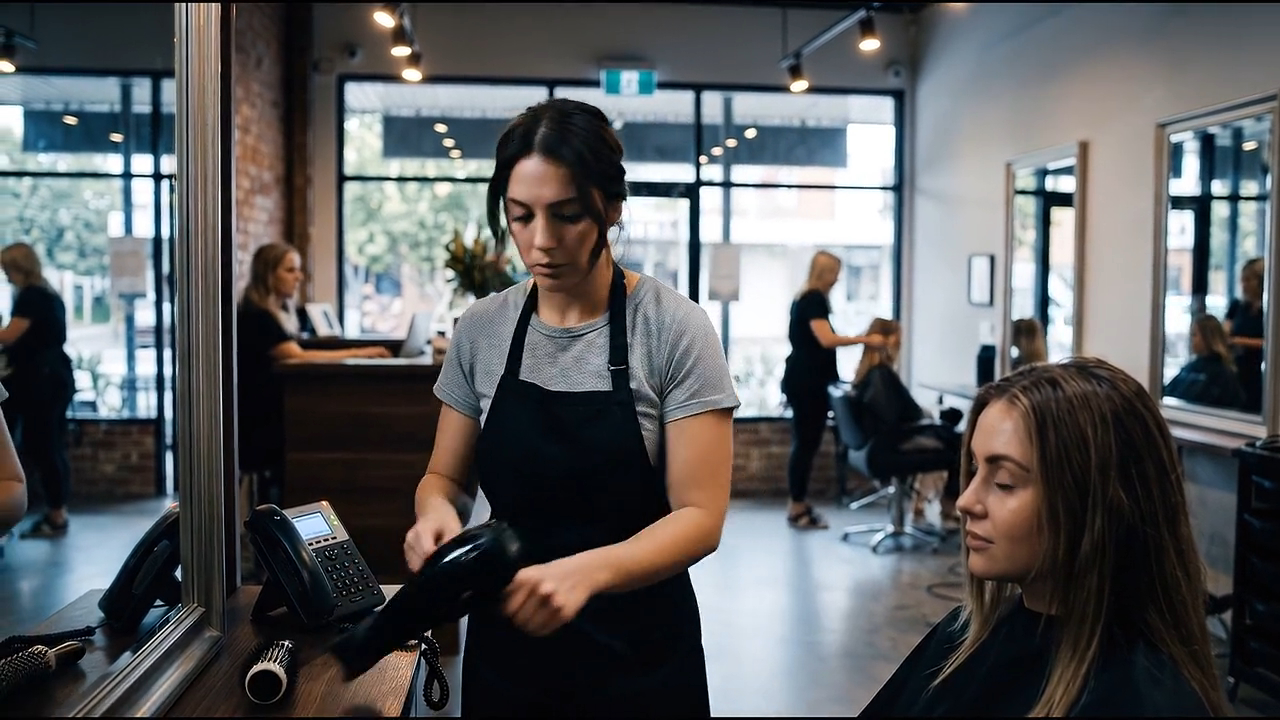
A stylist serving a seated salon client beside a lit reception phone.
EXAMPLE CONFIGURED FLOWQuestion answered → availability checked → booking confirmedBusiness actions activate after the relevant integrations are tested.
1 / 4 · Swipe to explore
MEET SYDNEY SMART WEB

A smarter website.
A more responsive business.

Sydney Smart Web builds websites with an AI front desk. Answer calls and web chats, capture enquiries and guide customers towards a booking—while you focus on running your business.

Welcome customers in supported languages. Connect replies, calendar bookings and lead follow-up to the way your team works, during business hours and after closing time.

SMARTWEB · ANIMATION PREVIEW
Your Smartweb animation, here for now.
Full introduction and voiceover coming soon.
CHOOSE THE HELP YOUR BUSINESS NEEDS

What Smartweb 24/7 AI Employee Can Do for Your Business

Explore what each service does, then try Smartweb for yourself.

Swipe the service tabs to explore →

Smart Website

We don't build standard websites. We build 24/7 lead capture engines with built-in automatic replies

Give visitors a clear path from their first question to their next step. Your website brings voice, chat, enquiry capture and booking into one customer experience.

SMARTWEB · YOUR BUSINESS
A female plumber working beneath a kitchen sink beside a tablet displaying a customer enquiry.
Your business. Ready for the next enquiry.
Smartweb assistantEXAMPLE

Can I book a service for tomorrow?

Let’s find the right service and your preferred time.

Voice + chatEnquiry captureBooking guidance

Illustrative workflow · actions activate with your configured connections.

01 / SPEAK

Your website talks with customers.

Voice and text can answer approved questions and follow supported language changes.

See how it helps →
02 / CAPTURE

Give every enquiry a place to go.

Collect service, location and callback intent, then pass it to a connected lead workflow.

See how it helps →
03 / BOOK

Guide intent towards a real appointment.

Check availability and confirm a booking only through a tested calendar connection.

See how it helps →
04 / ANSWER

A first response while you work.

Configure business knowledge, routing and fallback rules for your website or phone channel.

See how it helps →
05 / CONNECT

Keep the next step moving.

Scope reminders, email drafts and business-tool updates around the way your team works.

See how it helps →
THE SMARTWEB LIVE SHOWROOM

Talk to Smartweb.

Meet the voice behind your smarter website. Ask a question, explore what AI could do for your business, or switch to another supported language as you speak.

Subtle digital dots, flowing waves and faint matrix numbers over a navy and indigo gradient.SMARTWEB · DRAG TO TILT
01 / TALK

A voice. A presence.
A real conversation.

Ask how AI could answer enquiries, qualify a lead or help your industry. When live voice is connected, you can interrupt and ask a follow-up naturally. Change between supported languages as you speak.

Showroom preview · checking live availability

Preview uses your device’s voice. Your microphone starts only after you choose a live conversation and allow access.

Conversation transcript

Start a conversation to see the transcript here.

CONVERSATIONS BY INDUSTRY

See how the conversation changes.

Explore an example conversation for each industry. Select one to read how Smartweb could greet a caller, understand what they need and capture a useful next step.

Explore your industry →

Plumbing

After-hours enquiry

0:000:00

Professional voice recordings are being prepared. Read the conversation below.

Read this conversation
02 / TYPE

Chat with Smartweb.

Ask in your preferred language and change languages as you type. Connected live chat follows your conversation while using the business knowledge you approve.

Interactive preview · curated answers, no live AI connected.

Smartweb assistantPREVIEW

Hi, I’m your Smartweb guide. What would you like AI to help with in your business?

Explore without sharing private customer information. Bookings and messages to your team need connected business systems.

The moments that cost business

The enquiry doesn’t wait until you’re free.

Sound familiar? When you’re busy helping one customer, the next enquiry can slip away.

Scrolls automatically · touch to stop and swipe
Explore industries by category
Experience it before the feature list

Meet the AI front desk.

Explore an illustrative front-desk conversation. Live voice, messaging and booking actions are activated after your business connections are configured and tested.

INTERACTIVE SHELL

One enquiry. Three ways to experience it.

Switch between a website chat, a voice-call transcript and a recorded-demo view. The production integrations can replace these simulated states later.

No booking, SMS or CRM action is claimed as completed in this shell. The UI shows what a configured workflow can do.
Website enquiry · Plumbing DEMO ACTIVE
AI
Mia · Virtual receptionistFriendly, practical, service-first
CHAT
Prototype interaction only — integrations will be wired later.
What just happened?

The customer saw a conversation. Your business got structure.

The value is not “AI talking.” The value is turning an interruption into usable information and a next step.

01
Enquiry receivedPhone, website chat or form
Captured
02
Important details collectedName, contact, service, location and intent
Structured
03
Rules decide the next pathBook, notify, route, follow up or escalate
Configured
04
Team receives a clear next actionReady for the integrations you connect later
Ready
Connected customer journey

One enquiry can move without being retyped five times.

The exact apps can change later. The customer journey remains the same.

1

Customer reaches out

Call, chat, website form or missed call.

2

AI receives it

Answers or acknowledges the enquiry.

3

Details become data

Contact, need, location, urgency and context.

4

Rules choose the next step

Notify, book, route, follow up or create a task.

5

Customer gets clarity

A useful response instead of a dead end.

Choose your industry

Experience a smart website for your business.

Explore a complete sample website, with its own services, enquiry flow and assistant.

SYDNEY PLUMBING & HOT WATER

Harbour Plumbing Co.

Explore a refined Sydney plumbing website, with clear services, a guided enquiry and a voice assistant ready to help.

  • Emergency plumbing
  • Hot water
  • Blocked drains

Mia · Plumbing assistant
The plumbing demo asks about the job, suburb and urgency.

Open demo website: PlumbingSample website · live AI integrations coming later
Harbour Plumbing Co.
Plumbing enquiry scene
Harbour Plumbing Co.Explore the complete sample website
A front desk that understands your business

Your business knowledge.
Your customer’s language.

Your business supplies the knowledge. Smartweb shapes the conversation around your services, customer questions and next steps — with voice and chat that can follow the customer’s language.

Website shellLayout, responsive components, industry theme
READY NOW
Conversation UIShared voice + chat component with personality config
READY NOW
AI orchestrationApproved business knowledge / instructions / connected actions
WIRE LATER
Voice + telephonyBusiness voice / call handling / routing options
WIRE LATER
Business actionsBooking, notifications, CRM, follow-up, reviews
WIRE LATER
Mobile firstDesigned around ~390px before desktop
No hover dependencyImportant actions work by tap
Horizontal tabsServices and industries stay usable on mobile
Integration-safe copyNo fake completion claims
FAQ

Clear before clever.

Know what your assistant can do, what needs a connection and how to get started.

Can the AI only answer after hours?

Yes. The shell supports full-time, after-hours, weekend or overflow messaging. The production behaviour depends on the phone and automation services you connect.

Can it book jobs or appointments?

It can be designed to collect booking details or connect to a booking system. A booking should only be shown as confirmed when the integration returns a real confirmation.

Can the same AI work for different industries?

Yes. This prototype uses one reusable component and switches the industry-specific personality, questions, quick replies and visual theme.

Which AI stack is already connected?

The Smartweb voice and text connection code is included, with an optional server. This preview stays labelled until server credentials are configured. Phone reception, SMS, CRM and calendar actions require their own tested connections before launch.

Strategy call

Map the enquiries you’re losing before choosing the tools.

Start with the calls, chats and follow-up gaps that hurt the business. Then decide which automation is actually worth connecting.

Plans, setup and getting started

Where can I see prices for this solution?

Voice Starter starts at AUD $49/month including GST for 200 voice minutes. One-time plan setup starts at $450. Compare voice, chat, recovery, reviews and automation options on the pricing page; the same plan allowances apply across industries.

Is a new website included and can I get a free trial?

A new website is a separately scoped project from $450 including GST. It is itemised alongside assistant setup and monthly service in your quote. There is no free trial. The showroom and demo websites help you explore before requesting a scope.

Can the assistant change languages during a conversation?

Yes. When live voice is connected, the website voice assistant can follow a change to another supported language within the same conversation. Connected text chat can respond in the language you type. This does not require a translated website or a new session. Phone-reception language availability depends on the configured provider and is confirmed before launch. The device-voice and curated text previews do not demonstrate live language switching.

See all plans, website options and pricing FAQs →

◉ Talk to SmartwebChat ↗